

Supervisors can review and take action on an employee's goals via the Supervisor Dashboard.
In UAB Perform:
1. Locate the employee on your Supervisor Dashboard and select Open Goals.
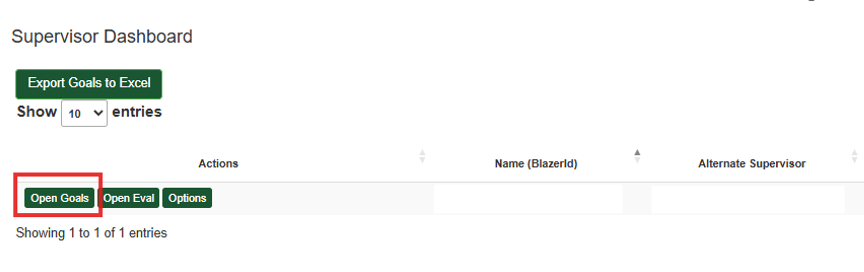
2. Select the appropriate Goal Year To View, i.e. the year the goal was entered.

3. Select Review Goal for each goal. 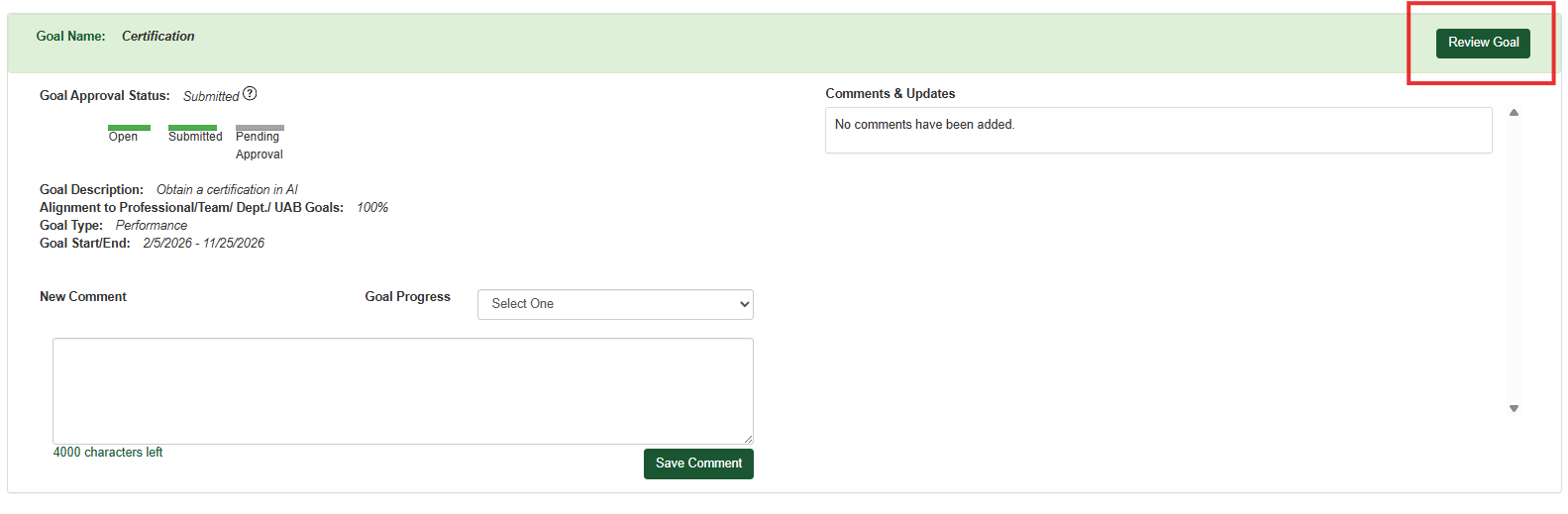
4. From here you can review each goal element and either Approve it, Reopen it to the employee for edits, or navigate Back to Goals.
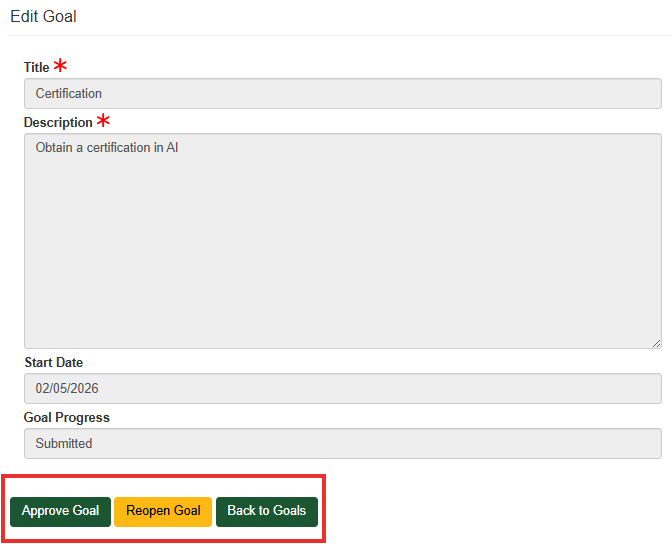
5. Note: If an employee's approved goal no longer applies and they wish to delete it, the supervisor may select Reopen Goal. This allows the employee to delete it from their dashboard.